
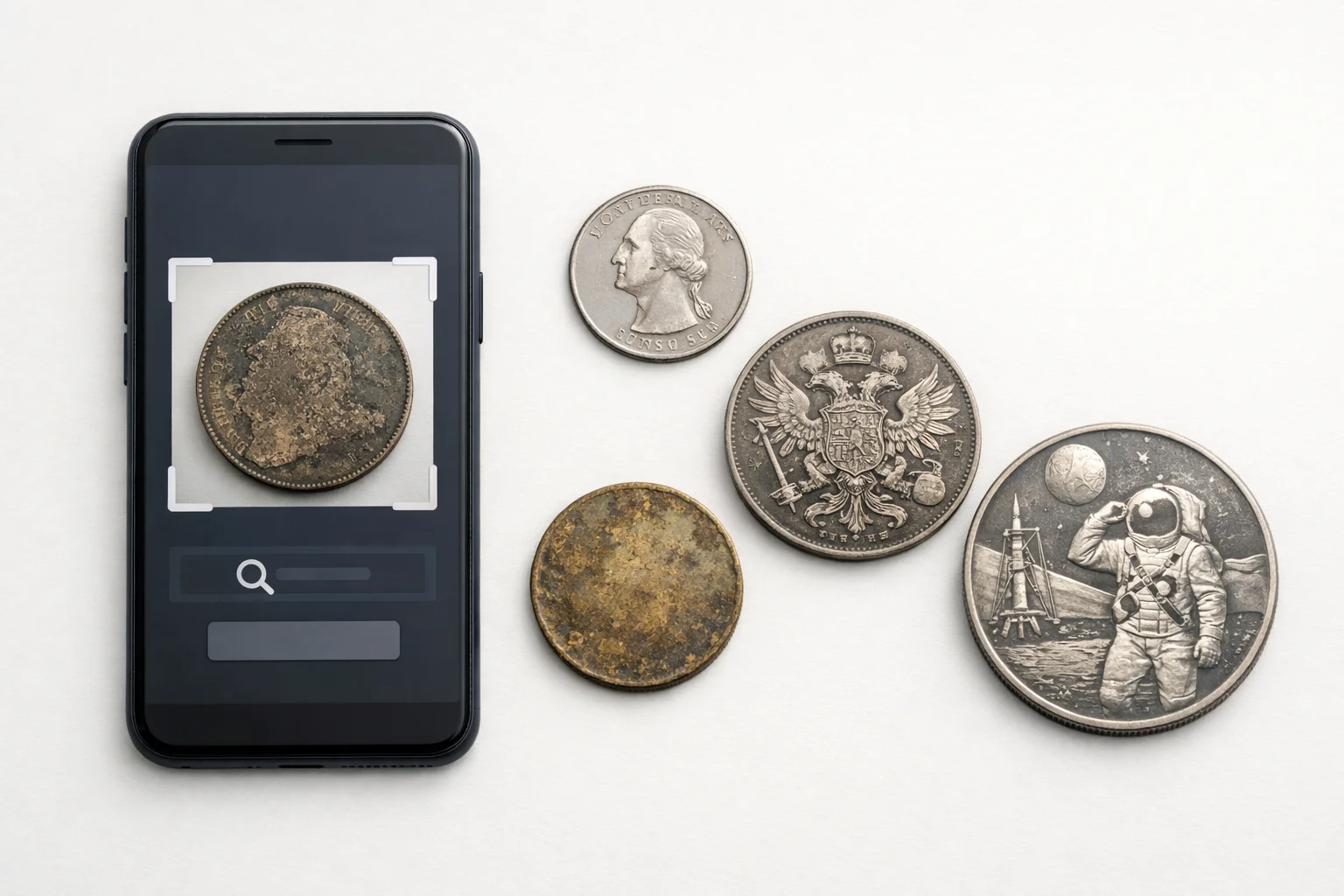
The Coinoscope app is often one of the first tools collectors try when they want a quick match from a phone photo. That is easy to understand. It is free to start, it works on Android and iPhone, and it shows similar coins fast. But a fast match is only the beginning. After the first scan, most collectors want more: stable results, useful coin data, fair pricing, and better control over their collection.
This comparison looks at three widely used options: Coinoscope, CoinSnap, and Coin ID Scanner. Which app is faster in real use? Which one gives cleaner follow-up data? Which one is easier to justify once the free part ends? For a numismatist, those questions matter more than bright interface design or broad marketing claims.
What Matters Before You Trust the Result
A good app must do several things at once. It must read relief, legends, shape, and layout. It must also handle mixed lots, worn coins, modern issues, and foreign pieces. Many collectors do not scan perfect proofs on a plain desk. They scan travel finds, inherited boxes, dealer stock, and loose world coins. That is where the real test begins.
The most useful points to compare are simple:
- Speed of the first result
- Stability on worn or average coins
- Detail level after identification
- Collection tools
- Pricing model
- Value for long-term use
These points shape everyday work. A tool that finds a coin in three seconds but gives little usable data may still slow the collector down later. A slower tool may be better if it reduces manual re-checking. That difference matters when sorting many pieces.
Quick View of the Three Apps
The table below is a practical overview of the official feature sets and app-store descriptions. It is not a lab test. It shows what each app appears to do best in normal collecting use.
| App | Best For | Main Strength | Main Limitation |
| Coinoscope | Fast first checks | Free entry and quick visual search | Lighter follow-up depth |
| CoinSnap | Feature-heavy premium use | Broad feature pitch and fast outputs | More paywalled feel |
| Coin ID Scanner | Daily collector workflow | Strong coin card and collection logic; estimated values; collection management; virtual AI helper. | Internet connection required |
Speed: Which App Gets You to the First Answer Fastest
The first test for any coin identifier app is simple: how fast does it move from a photo to a usable result. Speed matters when checking dealer trays, sorting rolls, or working through a mixed lot. Slow apps break concentration. Fast apps keep the process moving.
Coinoscope is strong here. Its whole structure is built around quick visual matching. The user snaps a photo or uploads one from the gallery, then sees a list of similar coins. That makes the first step light and direct. There is no heavy setup. There is no long wait before the app starts helping. For common modern coins, that is a real advantage.
CoinSnap is also fast. Its official app descriptions push instant recognition, one-photo use, and quick access to value and rarity data. For a beginner, it feels smooth. The app is built to give an answer quickly and keep the user inside one system for the next steps.
Coin ID Scanner takes a slightly different route. The first scan is still quick, but the result screen is more useful for follow-up work. The app leads the user into a fuller coin card instead of stopping at a basic match. In practice, that can save time later, especially when the collector needs to compare similar types or save the piece for review.
Speed Summary
- Coinoscope feels the lightest at the start.
- CoinSnap feels polished and quick.
- Coin ID Scanner stays fast but gives more to work with after the first result.
Accuracy: Where These Apps Help and Where They Still Struggle
No mobile app removes the basic problems of coin photography. Weak dates, glare, flat relief, dirt, and dark backgrounds still affect recognition. The same rule applies to all three tools. A worn coin with soft legends is harder to read than a fresh modern piece with clean contrast.
Coinoscope handles this problem in a clear way. If the exact coin is not in the database, the app still shows similar results. That keeps the process moving, but it also means the user must do more manual checking. The method is honest. It gives a clue. It does not pretend to settle every case. That works well for common coins. It is less strong for close varieties and weakly struck pieces.
CoinSnap presents itself as a broader AI tool. Its official listings mention 300,000+ coin types, 99% recognition accuracy, rarity levels, real-time prices, error-coin detection, and grading reports. That is a large promise set. It makes the app attractive on paper. Still, collectors should read those features as support tools, not as a final grading or attribution service. The app can point the user in the right direction. It cannot replace careful inspection.
Coin ID Scanner looks stronger when the task goes beyond a basic name match. Its product pages focus on quick identification, value lookup, a large coin database, smart filters, and detailed specifications on the coin card. That kind of follow-up data helps reduce confusion between similar pieces. It does not remove the need for manual checking, but it makes the review stage easier.
What Still Needs Manual Checking
Even the better apps do not replace:
- Edge inspection;
- Weight checks;
- Size verification;
- Close review of varieties;
- Confirmation of errors;
- Final grade decisions.
For a collector, this is normal. The app starts the process. It does not finish it.
What You Get After Identification
This is where the real gap appears. Many coin apps are good at first moment. Fewer stay useful for five minutes later. After identification, the collector needs structure. That means clear data, easy saving, and a result screen that helps with classification.
Coin ID Scanner: Stronger Data for Daily Collector Use
Coin ID Scanner feels more useful at the review stage. The app does not stop at a basic match. It gives the user a fuller card and clearer next steps.
The coin card and related tools include:
- Country;
- Denomination;
- Rarity;
- Minting details;
- Composition;
- Price guidance;
- Collection management;
- Large database access;
- Smart filters;
- AI assistant.
That mix works well because it supports both recognition and review. The app is not limited to “What is this coin?” It also helps answer “What should I check next?”
Coinoscope: Fast Tools for Basic Follow-Up
Coinoscope is practical when the goal is a quick check and a simple next step. It gives the user a light post-scan workflow instead of a deep research screen.
Main tools include:
- A list of similar coins;
- Estimate Value;
- Collection management;
- Optional desktop viewing.
The free version covers the core workflow. Ads remain. Daily limits also apply to Estimate Value and Advanced Image Analysis. The paid version removes those limits and adds cloud sync for collections on Android.
CoinSnap: Broader Feature Stack, Heavier Premium Focus
CoinSnap presents a wider set of functions after the match. It tries to keep identification, pricing, and collection work inside one system.
Its main follow-up features include:
- Instant recognition results;
- Market prices;
- Rarity levels;
- Error coin identification;
- Grading reports;
- Collection folders with total value tracking.
This gives the app a broad, all-in-one feel. The trade-off is clear. Much of that appeal sits inside a premium structure. The App Store listing shows several paid options, including smaller purchases and premium tiers up to $39.99.
Comparison Table: Practical Use After the Scan
This table focuses on routine collector use. It reflects the official feature sets and what they suggest in everyday numismatic work.
| Factor | Coinoscope | CoinSnap | Coin ID Scanner |
| First Result | Very fast | Very fast | Fast |
| Result Style | Similar coin list | Feature-rich result | Structured coin card |
| Follow-Up Data | Basic to moderate | Broad but premium-heavy | Strong practical detail |
| Collection Tools | Yes | Yes | Yes |
| Best Use | Quick free checks | Premium all-in-one use | Daily collector workflow |
| Main Risk | More manual filtering | Heavy feature claims and paywall feel | Requires a stable connection |
Pricing: Free Entry vs Paid Depth
Pricing changes how an app feels over time. A collector may accept a paid tool if the gain is clear. The problem starts when the free part is too thin or when the app asks for money before the user understands its value.
Coinoscope has the cleanest entry point. Its basic functionality is free. Ads remain, and there are daily limits on Estimate Value and Advanced Image Analysis, but the user can still identify coins without paying at once. Pro is available as a monthly or yearly subscription or as a one-time purchase. That gives the app a fair entry model for casual collectors.
CoinSnap feels more premium from the start. The app-store listing shows several paid options, including $3.99 and $39.99 in-app purchases. That does not make the app weak. It simply changes the audience. The model fits users who want a heavy feature stack and are ready to pay for it early.
Coin ID Scanner follows a freemium route. Its site and store pages present a free version with upgrades for additional features. In practice, the stronger argument is not the entry price alone. It is the amount of useful detail the user gets once the scan is complete. That makes the paid side easier to justify for a collector who uses the app often.
Which App Fits Which Collector
The answer depends on the routine.
Best for Quick Free Checks
Coinoscope is the simplest fit here. It starts fast, keeps the first step free, and works well when the user wants a visual clue without much setup. It is a solid option for pocket finds, loose world coins, and basic first checks.
Best for Users Who Want a Broader Premium Tool
CoinSnap fits that role. It offers a wider feature pitch, pushes value and rarity harder, and tries to cover many tasks inside one interface. That can appeal to casual users who want one app to do everything, or at least promise everything in one place.
Best for Collectors Who Need Better Follow-Up Data
Coin ID Scanner stands out here. The stronger coin card, collection logic, smart filters, and detailed coin fields make it easier to move from identification to review. That matters when the user is sorting many coins, checking close matches, or building a digital inventory that remains useful later.
Conclusion
All three apps can help. Coinoscope is easy to start with and honest about what it does. CoinSnap gives a larger premium-style package and a wider marketing pitch around value, rarity, and grading. Coin ID Scanner feels more balanced for real collector use because the app stays useful after the first scan, not just during it.
For a beginner, Coinoscope may be enough. For someone who wants a more aggressive feature stack, CoinSnap may look stronger. For a collector who wants a free coin identifier and value checker that also gives a fuller coin card, digital collection tools, smart filters, and an AI helper, Coin ID Scanner leaves the most practical impression in daily work. The app simply gives the user more to do with the result.